How to Design a Folded Invitation So the Fold Feels Intentional
A folded invitation should not feel like a flat design that somebody bent in half at the end. The fold changes what the reader sees first, what remains hidden and when the essential information appears. Design that sequence before polishing the individual panels.
The strongest approach is to give each physical state one clear job: the closed invitation creates recognition or intrigue, the opening movement reveals the main message, and the fully open piece delivers the details. If every panel competes to be the cover, the result is not generous or exciting. It is four small posters arguing in a paper corridor.
Choose what the closed invitation must communicate
Start with the invitation folded to its finished size. At this point, the reader should not need to know everything. They need a reason to open it and enough context to understand what they are holding.
For a formal event, the closed cover might contain the hosts’ names, an event title or a restrained date. For a launch or party, it could use one short phrase with a strong image. I would resist placing the venue, schedule, RSVP instructions and decorative monogram on the same cover. That spends the entire information budget before the invitation has performed its defining trick.
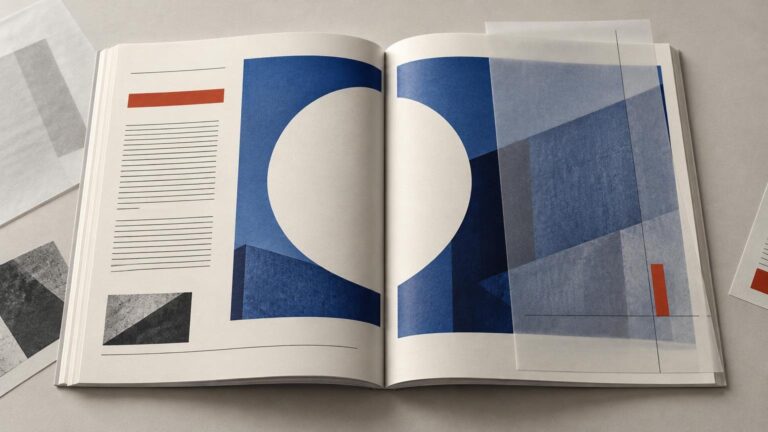
Make a deliberate hierarchy. Choose one primary element, one supporting element and, only if necessary, a small cue such as “You’re invited.” The primary element should remain legible at the finished folded size, not merely while the artwork fills a monitor. If illustration is involved, decide whether type or image leads; the same role-setting principles used to combine illustration and typography apply here.
Plan the reveal as a reading sequence
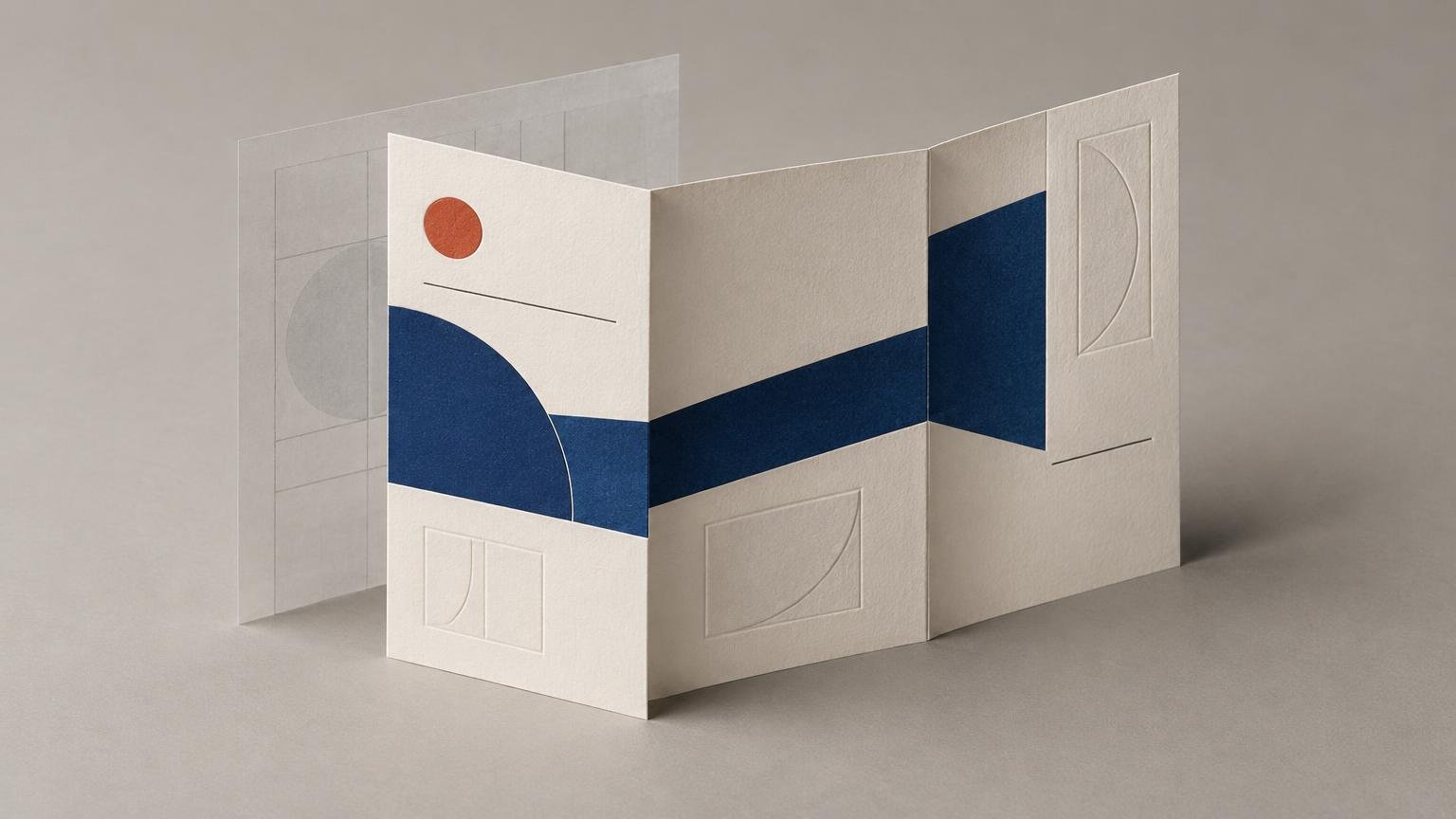
Now sketch what happens while the piece opens. A simple half-fold offers a direct transition from cover to interior. A gate fold creates a staged reveal because two outer flaps open toward a larger central area. Smartpress describes that format as suitable for a dramatic opening, but the drama still needs content worthy of the pause. Two doors opening onto a paragraph of logistical copy is more office filing cabinet than grand entrance. Smartpress’s overview of folding formats can help when choosing the physical structure.
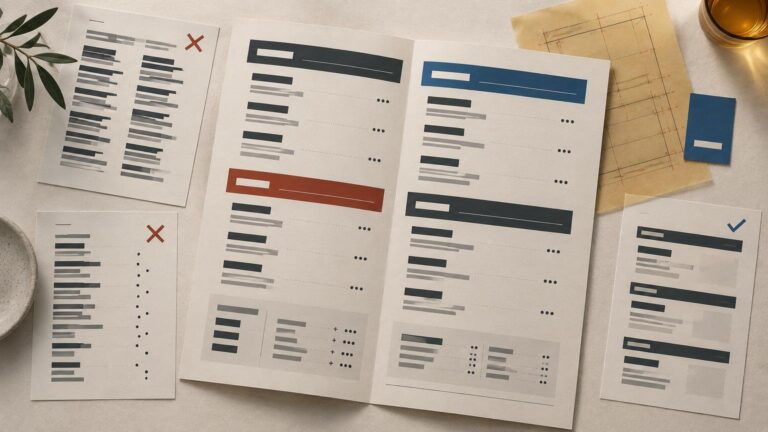
A useful sequence for an event invitation is: occasion on the cover, names or central announcement at the first reveal, then date, location and response details in the fully open state. That is not a production rule. It is an editorial choice based on importance and timing.
Try writing the sequence as three lines before designing anything: “closed,” “opening” and “open.” Assign one message to each. If the same headline appears in all three states, the fold is adding bulk rather than meaning.
Keep important content away from the fold
A fold line is an active production area, not an especially daring baseline. Avoid placing small type, faces, logos, fine rules or other irreplaceable details directly on it. Even when alignment is technically accurate, the crease can interrupt a letterform or split a face in a way that looks accidental.
The exact clearance must come from the selected printer and product. For example, Jukebox’s folded-card file guidance recommends keeping important text and graphics at least 0.125 inch from its score line. It also warns that dark digital ink crossing a score can crack. Those are provider-specific instructions, not universal dimensions for every press, paper and finishing process.
Do not confuse score clearance with bleed. Bleed allows background artwork to extend beyond the trim edge; fold clearance protects important content near the crease. One reviewed gate-fold template specifies both 0.125-inch bleed and a 0.125-inch trim safety margin, illustrating that these zones solve different problems.
Background color, texture or a large image can cross a fold when the concept requires continuity. Critical information should not. If a portrait must span two panels, move the face decisively onto one panel and let clothing or background cross the crease. Almost centered is the dangerous version: it looks like a mistake that survived several meetings.
Use cross-panel alignment deliberately
Elements that continue across panels can make the invitation feel composed as one object. A horizon, band of color or oversized letterform can connect the closed and open states. But alignment across a fold should have a reason beyond showing that the software has guides.
There are two sound approaches. The first treats each panel as an independent composition with shared type, color and spacing. The second creates one larger composition that changes as panels move. Choose explicitly. An awkward hybrid—half the elements aligned across the fold and half behaving independently—usually feels less sophisticated than either approach.
When continuity matters, test whether a slight production shift would destroy the effect. A broad color field tolerates movement; two hairline rules expected to meet perfectly at a fold do not. Build resilience into the composition. Precision in a working print layout means controlling consequences, not pretending paper has become a screen.
Check the exterior orientation before trusting it
Folded-card files are commonly built at the flat, unfolded size, with interior and exterior artwork arranged so the panels read correctly after folding. A horizontal 5 × 7-inch folded card may therefore use 10 × 7-inch flat artwork, while another fold orientation changes the required flat dimensions. The printer’s current template should decide the document geometry.
The exterior is where orientation mistakes thrive. Depending on the fold and template, a back panel may appear upside down on the flat sheet so it becomes upright after folding. Do not “correct” an apparently inverted panel until you have folded a mock-up. Label each panel in a temporary layer—front, back, inside left and inside right—and mark its top edge. Remove those labels from the final artwork, obviously. The printer does not need to receive your private cartography.
Build a paper dummy before refining the design
Print the layout at actual size on ordinary paper, trim it and fold it. Draft quality is enough. The dummy is for reading order, orientation, scale and physical handling, not color approval.
Ask five practical questions:
- Does the closed cover communicate one clear idea?
- Does opening the invitation reveal something new rather than repeat the cover?
- Can every essential line be read without flattening the fold aggressively?
- Do exterior panels become upright in the finished object?
- Does the fully open invitation make the date, place and response action easy to find?
Revise the hierarchy before adjusting decorative details. If readers cannot find the date, another flourish will not negotiate peace. For wording-heavy ceremonial pieces, the balance between tone and usable event information is explored further in these wedding invitation wording and design tips.
Account for the fold construction, not just its position
Some folded structures require unequal panel widths. Smartpress notes that inner panels in a nesting fold may need to be 1/16 inch shorter so the piece closes flat. Its scoring guidance also describes scoring as creating a crease at the intended fold point to help a piece fold cleanly and lie flat. These details vary with the fold, stock and production workflow, so use the printer’s product-specific template rather than dividing the flat width into visually convenient fractions.
Paper choice can also change the character of the invitation and the practicality of its fold. Texture, weight, coating and special finishes are design decisions, but their production limits belong to the provider. If you need a production route for finished invitation artwork, printinvitations.com offers invitation printing and paper options; obtain its current folded-product setup and proofing requirements before final export rather than assuming another printer’s score positions apply. Its reviewed pages describe digital proofs and, for some orders, paid physical proofs or samples.
Verify the template and export requirements
Once the dummy works, replace any provisional guides with the current printer template. Confirm the flat size, trim, bleed, safety area, panel widths, score positions and whether the order includes scoring only or scoring plus finished folding. Some workflows also request score tick marks in the PDF, while others handle production notation differently. Smartpress’s scoring guidance is a useful example of why this requirement must be checked rather than assumed.
Run a final preflight before export. Adobe’s InDesign print-PDF guidance recommends resolving missing fonts and links, low-resolution images and overset text. Adobe also advises matching bleed settings to the job and adding printer’s marks only when the provider requests them; the provider may specify a PDF preset and color profile as well.
Exporting a technically valid PDF does not rescue an unresolved reading sequence. Inspect the final file at its flat size, compare it with the approved template and fold one last dummy if panel positions changed. The goal is not simply to put artwork on every available rectangle. It is to make the physical action of opening the invitation carry the message.
Design the reveal before decorating the panels
A convincing folded invitation makes its mechanics feel inevitable. The cover establishes the occasion, the opening introduces the emotional or visual payoff, and the interior organizes the practical details. Safe zones and score specifications protect that idea in production, but they cannot invent it.
Start with three states—closed, opening and open—then assign each one a communication job. Build a paper dummy, correct the reading order and only then refine type, color and ornament. A fold changes the reading order. Design the reveal before decorating the panels.
Frequently Asked Questions
What should I design first on a folded invitation?
Define the three physical states—closed, opening and fully open—and give each one a communication job. Set that reading sequence before refining type, color or ornament.
How close can text sit to a fold line?
Use the printer’s product-specific template. Jukebox recommends keeping important text and graphics at least 0.125 inch from the score line for its folded cards, but that is provider-specific guidance, not a universal rule.
Is fold clearance the same as bleed?
No. Bleed extends background artwork beyond the trim edge, while fold clearance keeps critical content away from the crease. They solve different production problems.
Can an image cross the fold?
Yes, if the composition can tolerate interruption or slight production movement. Let backgrounds, clothing or broad color fields cross; keep faces, logos, small type and fine rules decisively away from the crease.
Why make a paper dummy before exporting?
A paper dummy exposes reading order, panel orientation, scale and hidden content in the real format. A flat digital spread shows every panel at once, which is precisely the illusion you need to stop trusting.
References
- Brochure Folding Ideas | Support
- Setting up press-ready files for Greeting Card | Jukebox Help Center
- prd-site-assets-collaterate.s3.amazonaws.com
- www.uspress.com
- Paper Scoring | Smartpress Support
- Paper & Print Options – PrintInvitations
- Wedding Invitations – PrintInvitations
- PrintInvitations | Custom Invitations, Announcements & Cards
- Produce print-ready PDF files in InDesign | InDesign