Warm Gray vs Cool Gray: How to Choose the Right Neutral for a Design System
The right gray is the one that makes the rest of the design look intentional. Choose warm gray when the palette leans earthy, creamy or human; choose cool gray when it leans crisp, blue, metallic or technical. But do not pick by mood-board adjective alone. Compare each candidate against the actual imagery, brand colors, text roles and production format.
A gray can carry a subtle yellow, red, blue or green bias while still reading as gray. That bias becomes obvious beside white, skin, product photography or a saturated brand color. The mistake is treating gray as empty space. In a design system, it is an active color family used across backgrounds, borders, disabled states, typography and interface surfaces.
What warm and cool gray actually change
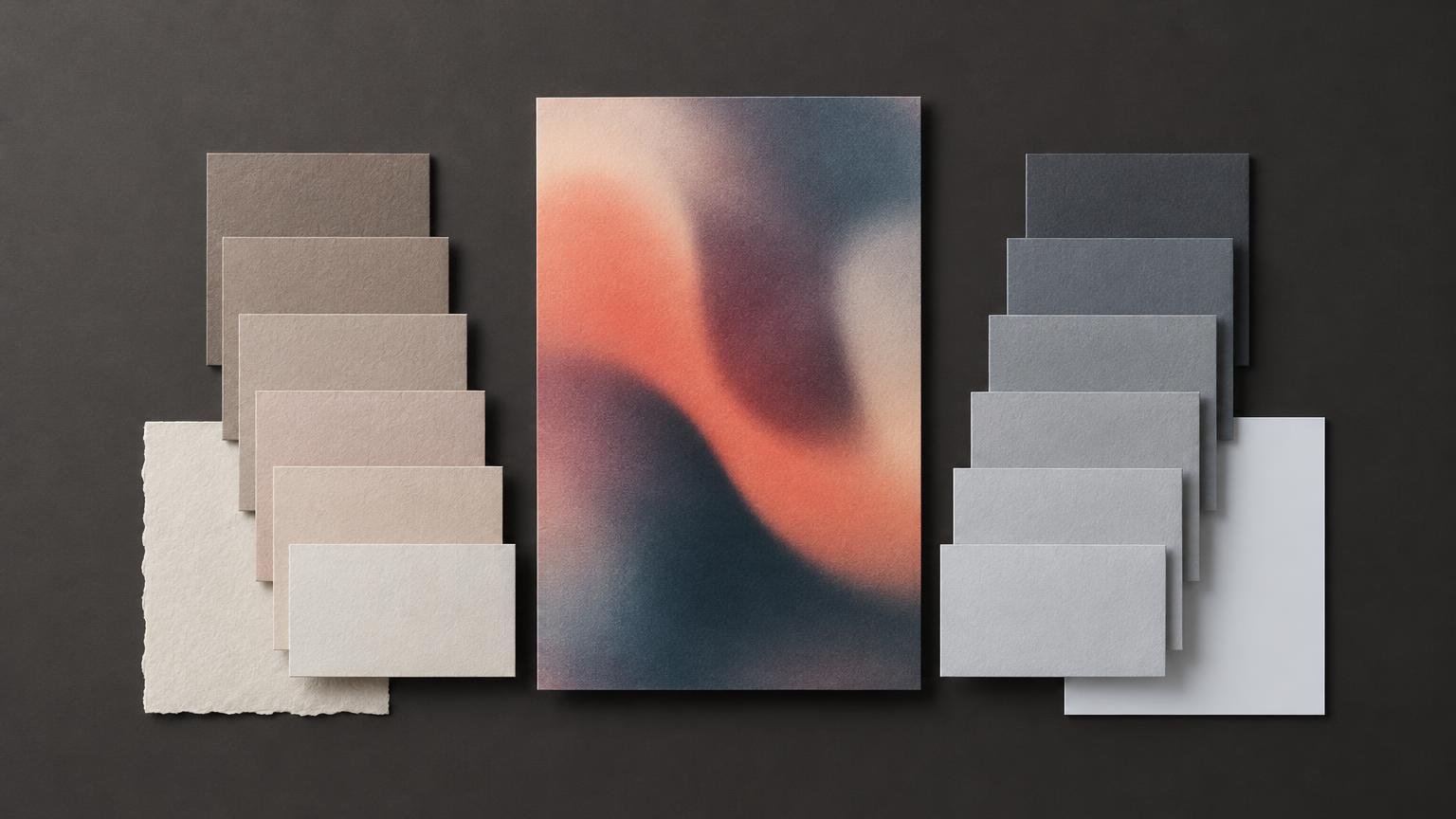
Warm grays generally contain a red, yellow or brown bias. They tend to sit comfortably with ivory, terracotta, olive, wood tones and warm photography. Cool grays usually lean blue, cyan or sometimes green, making them easier companions for bright white, navy, violet, steel and cool-lit imagery.
Descriptions such as welcoming, clinical, luxurious or technical are aesthetic conventions, not objective psychological laws. A pale cool gray can feel calm in one system and sterile in another. Typography, spacing, saturation, imagery and context do at least as much work as temperature.
| Design context | Useful starting point | Main risk |
|---|---|---|
| Natural materials, cream paper or warm photography | Warm gray | The system can become muddy if every color is warm and low-contrast |
| Blue-led digital product or cool studio imagery | Cool gray | Skin and cream product colors can look dull or slightly dirty |
| Mixed-temperature image library | Near-neutral gray with restrained chroma | Small color casts may shift unpredictably between images |
| Deliberately contrasting campaign | Opposite-temperature gray | The contrast can look accidental unless repeated elsewhere |
I would begin with harmony, then introduce temperature contrast deliberately. A warm editorial photograph on a cool-gray page can work beautifully, but the contrast needs an accomplice: perhaps cool type, a blue rule or repeated cool interface elements. One isolated disagreement usually looks like a file-preparation error rather than a concept.
Test the gray against the imagery, not beside a color wheel
Place representative images inside a real layout and compare two otherwise identical versions. Do not test the gray as a detached swatch. Its job is to frame content, and that relationship is what matters.
Check faces first. A cool gray adjacent to warm skin can make the skin appear more orange by contrast; a warm gray can make the same image feel more integrated but may reduce separation. Neither result is automatically wrong. Decide whether the page should foreground the person, harmonize with the photograph or create a sharper editorial edge.
Apply the same check to product colors. White packaging may be warm ivory in the photograph, while a cool-gray background makes it look yellowed. Metallic products may pick up cool studio reflections and feel oddly disconnected from a brown-biased neutral. If ivory is central to the palette, the pairing principles in this guide to matching ivory with other design elements provide a useful adjacent test.
Build a neutral ladder instead of collecting unrelated grays
Once the temperature is chosen, build a ladder from light surfaces to dark text. A practical system might include roles for the page background, raised surface, subtle border, strong border, secondary text and primary text. The exact number of steps matters less than giving each step a distinct communication job.
Keep the underlying hue bias reasonably consistent as lightness changes. If the pale background is warm beige-gray, the middle border is green-gray and the darkest text is blue-gray, the palette may feel patched together even when every swatch looks respectable alone. Gray systems often fail through tiny inconsistencies multiplied across an interface.
Name tokens by purpose rather than appearance: surface-subtle, border-default and text-secondary are more durable than gray-200 or warm-gray-light when the system evolves. Design tokens are named entities that store visual decisions and can represent roles including text, backgrounds, borders and states. Document the approved value, color space, role, contrast pairing and print equivalent where applicable.
Temperature does not determine text contrast
A gray can look dramatically cool and still have nearly the same luminance as a warm alternative. That means temperature is not a substitute for accessibility testing. Under WCAG 2.2, normal-size text generally needs a contrast ratio of at least 4.5:1, while large-scale text generally needs 3:1, subject to the criterion’s exceptions. The calculation is based on relative luminance, not whether a color feels warm or cool. W3C’s explanation of minimum contrast documents the criterion and calculation context.
Test every approved text-and-surface pairing, including secondary text, disabled controls, hover states and text placed over imagery. A pale warm gray and pale cool gray may be aesthetically different yet equally inadequate behind medium-gray body copy. Attractive failure is still failure.
Print stock becomes part of the neutral
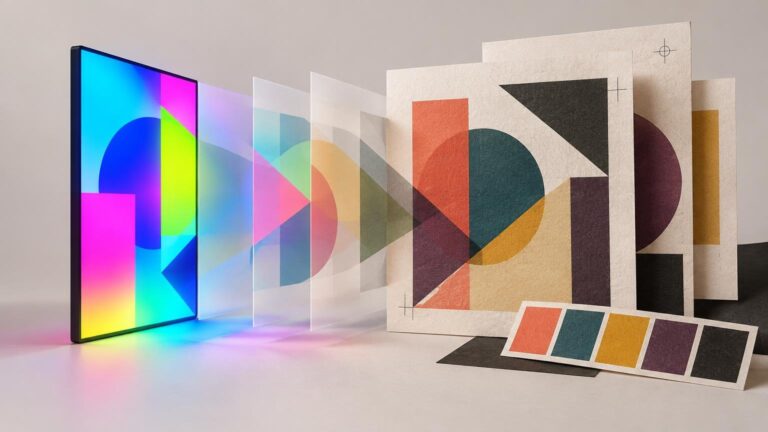
On screen, the display emits light. In print, ink and paper reflect ambient light, so an exact visual match between the two is not realistic. The substrate also establishes the brightest unprinted areas of the piece, which means its white point influences every printed neutral. International Color Consortium guidance explains how medium white, viewing illumination, surround and observer adaptation affect color appearance.
An uncoated cream stock can pull a restrained cool gray toward neutral or greenish territory. A bright blue-white stock can make a warm gray look more visibly beige. X-Rite likewise identifies paper as a material factor in the final appearance of printed color. Optical brighteners add another variable because their appearance can change under lighting with different ultraviolet content.
For color-critical print, use the intended printer-and-paper profile rather than a generic CMYK preview. Adobe’s print color-management documentation describes soft proofing with a selected profile, including simulations for paper color and black ink. Soft proofing helps expose likely shifts, but approve a physical proof or representative printed sample when the neutral is central to the identity. For a broader explanation of screen-to-print gamut changes, see why bright RGB colors look duller in print.
A practical selection workflow
- Collect representative brand colors, photographs, illustrations and product imagery. Include difficult cases rather than one unusually cooperative hero image.
- Create one warm-gray and one cool-gray version of the same real layout. Keep typography, spacing and content identical.
- Compare the systems around skin tones, white or ivory products, metallic surfaces and the most saturated brand color.
- Choose whether the neutral should harmonize with the dominant temperature or create deliberate contrast. If contrasting, repeat that relationship elsewhere.
- Build a role-based ladder for surfaces, borders and text while keeping the temperature coherent across steps.
- Test the required text-and-background combinations for contrast. Fix failures by changing luminance, not merely nudging the hue warmer or cooler.
- For print, preview the intended output profile and inspect the design on the actual or representative stock under realistic lighting.
- Record approved values, roles, contrast pairings, profiles and production notes so later layouts do not reinvent the decision.
Choose the relationship, not the isolated swatch
If both versions seem plausible, select the gray that solves the hardest recurring case. A beauty brand may prioritize faithful skin and cream packaging. A software product may prioritize crisp hierarchy across many interface states. A printed identity may be constrained by a strongly colored stock.
The decisive question is not whether warm gray or cool gray is better. It is which temperature supports the imagery, brand palette, contrast requirements and physical format with the fewest visual arguments. Choose that relationship, document it and test it where the design will actually live. Gray is not neutral in practice; it is simply quieter about taking sides.